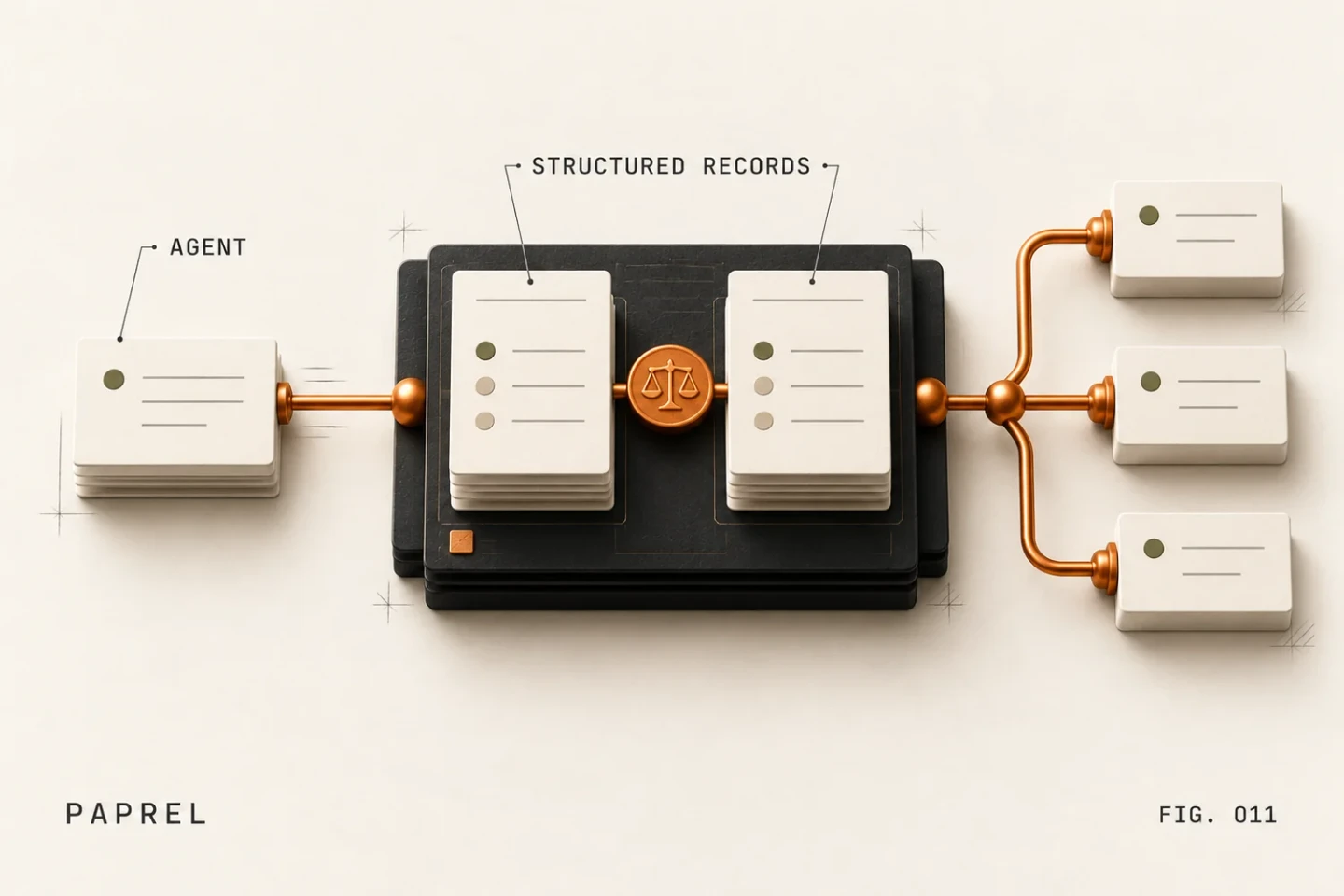
An operator asks an agent: "Record last month's AWS invoice as an expense."
Against a spreadsheet, the agent appends a row. The request times out, the agent retries, and now there are two rows. Nothing in the sheet objects. The P&L is overstated by one AWS invoice, and nobody notices until close, if then.
Run the same request against Paprel through MCP and the outcome changes at three points:
- The agent can't post. It creates the expense as a draft. A person reviews it and posts it. A retry produces a second draft sitting next to the first in the review queue, where the duplicate is visible before anything touches the ledger.
- Unbalanced entries are rejected. Every journal, whether posted directly or generated by an invoice, expense, or payment, is checked for balance. If debits don't equal credits, the write fails. There is no "post now, fix later" mode.
- Duplicate document numbers are rejected. If your integration creates invoices or bills over REST with its own
document_number, a second create with the same number returns400withDUPLICATE_DOCUMENT_NUMBER.
Be precise about the limits. Journals and most other writes are not deduplicated by key. Only payments accept an Idempotency-Key. So for agent-created journals, the draft review is the guard, not the API. (Webhooks and idempotency covers the full write model.)
The difference isn't that the agent got smarter. The system underneath it refused to accept bad state.
What the Accounting Layer Has to Enforce
Humans work around messy finance systems because they remember context. Agents don't. An agent acts on whatever state it can read, at whatever speed it's allowed. Each property below closes off one way that goes wrong:
| Property | What breaks without it |
|---|---|
| Double-entry validation on every write | Entries that don't balance, discovered at close |
| Draft-first creates for agent writes | Retries and misreads post straight to the books |
| Reports derived from the same journals | The agent's answer disagrees with the P&L |
| Scoped, tenant-bound access | An agent sees or changes books it shouldn't |
| Attributed, queryable history | No way to tell what the agent did, or undo it |
Paprel's Boundary for Agents
Paprel hosts an MCP server per company, at Settings > App Connect > MCP Server. Here is what an agent connected to it can and can't do.
Scoped tokens decide which tools the agent sees. A connection's scope controls its tool list. A read-only connection never receives a create tool. Tokens are tenant-scoped, so an agent connected to one company can't reach another.
Invoices, expenses, and journal entries are created as drafts. A person reviews and posts each one. Bills are read-only over MCP.
Three tools write immediately, with no draft step:
| Tool | Effect |
|---|---|
client_create | Creates a client record |
item_create | Creates a product or service |
banking_transaction_categorize | Categorizes or matches a bank transaction |
Leave those scopes off unless you want the agent to make those changes itself.
Every agent action is attributed. The activity API filters by actor, so you can list everything a given agent connection did:
curl "$BASE/v1/activity?source_type=app_connect&app_type=mcp_agent&app_connect_id=$APP_CONNECT_ID&from=2026-10-01T00:00:00Z" \
  -H "authorization: Bearer $ACCESS_TOKEN" \
  -H "x-partner-domain: $PARTNER_DOMAIN"
app_connect_id and app_type both require source_type, and the call needs the activity:list permission. Token setup is in Authentication and tokens.
The Agent-Readiness Test
Run these against any accounting platform, Paprel included, before you give an agent access:
- Give the agent a read-only scope. Does its tool list actually shrink, or is "read-only" just an instruction in the prompt?
- Ask it to create an invoice twice. Do both land as drafts you can see and discard, or does either post?
- Try to post an unbalanced journal. Is it rejected at write time?
- Ask a question two ways. For example, "What's our revenue this quarter?" through the agent, then the income statement directly. Do the numbers match because they come from the same journals?
- List what the agent did yesterday. Can you filter activity to that one connection?
- Find the writes that skip review. Which tools take effect immediately, and can you leave them out of the scope?
If a platform fails 1, 2, or 6, its agent safety comes from prompts, not from the system.
Where Agents Help Today
Within that boundary, the useful work splits in two:
- Read and explain. Summarize the balance sheet, explain a P&L variance from the general ledger, list who owes money and why, or trace a journal back to its source document. These need a read-only scope.
- Prepare for review. Draft an invoice from a completed job, an expense from a receipt, or an accrual as a manual journal. A person posts each one.
The AR, AP, and P&L playbooks walk through each workflow step by step.
Read Next
- Paprel MCP for AI Agents and Accounting Workflows: the hub, with the full tool groups and connection steps.
- MCP for Embedded Accounting Infrastructure: how a connection works.
- AI-Ready Embedded Accounting: What to Verify: the evaluation checklist.
Or see the full MCP surface on /ai.